Technology
Courses In NYC
 Free Technology Classes In Your Neighborhood
Through the NYC Aging Connected Communities Program, Senior Planet offers in-person technology classes at partner sites throughout all five boroughs. Learn how to use your smartphone with confidence, explore the latest in AI, build your computer basics, get comfortable with your smartphone or tablet, and much more. Plus, get personalized 1-to-1 tech help when you need extra support. Check out the locations below and find a class near you!
Locations & Classes • Tech Support • Join Our Online Community Group • Articles
Locations and Classes
Select your borough to view partner site locations and information:
The Bronx Brooklyn Manhattan Queens Staten Island
Get the latest updates or ask questions by calling the Senior Planet Hotline. Our team is here to help you find the right program and get started on your learning journey!
Senior Planet Hotline: 888-713-3495
Monday – Friday, 9:00am – 8:00pm ET • Saturday, 9:00am – 2:00pm ET
Free 1-on-1 Tech Support
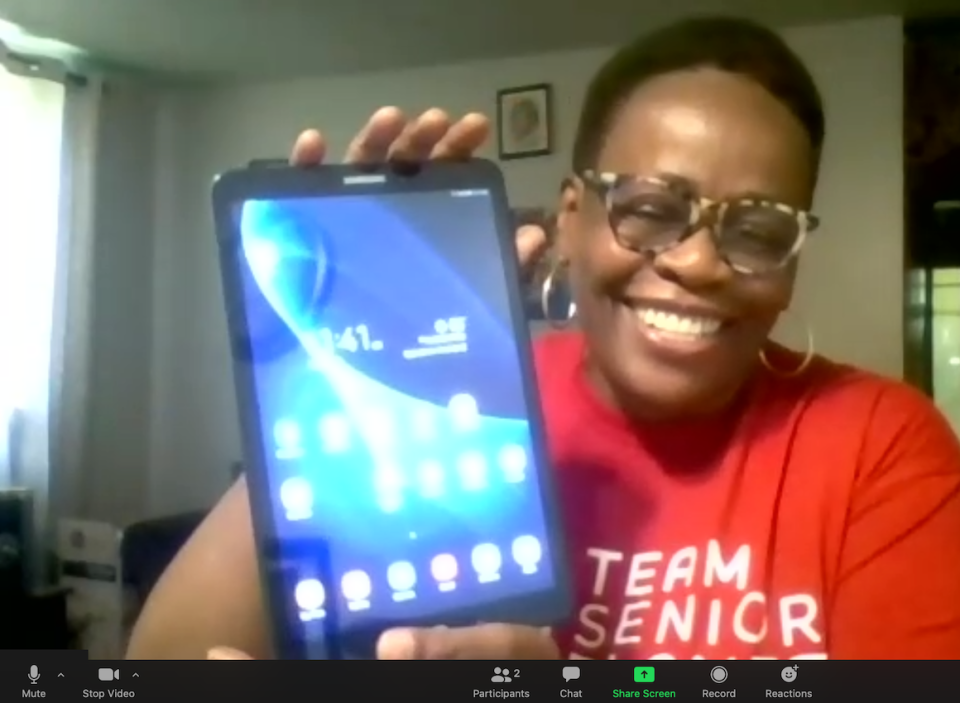
Need a little extra help? Schedule a personalized tech help session with the Senior Planet Hotline! Whether it’s setting up your smartphone, troubleshooting your tablet, learning a new app, or tackling a tech challenge, our patient, knowledgable Hotline volunteers provide step-by-step support tailored to your needs. Call the Hotline to schedule your session and get personalized help today: 888-713-3495
Join Our Online Community Group
 Are you a member of our Senior Planet Community online platform? Visit community.seniorplanet.org and create your free account today! Then, join the “Senior Planet in NYC” group to connect and chat with fellow participants during our center relocation process. Find friends online, make new connections, ask questions, and share ideas! Join our ad-free social platform just for older adults.
Ready to find a class in your neighborhood? Call the Senior Planet Hotline: 888-713-3495
Articles About Technology


Technology
Ask The Techspert: Smartphone Tips That Will Save You Money
Discover practical smartphone tips you can use today to reduce monthly expenses and keep more cash in your pocket.
Crossword
Play January: Your Year of Tech
Test your skills with January’s crossword puzzle, Your Year of Tech, exploring the digital tools, habits, and trends shaping how we learn, connect, and stay curious in 2026.
Technology
Apps That Help with Your Resolutions
Senior Planet researched some of the most popular applications to help older adults accomplish their goals for 2026.
Technology
Ask The Techspert: TechBytes Episode 6
The Techspert answers your questions with practical tips you can use right away — from Gmail privacy and online shopping safety to using your phone as a remote and decluttering files.
Technology
Tech Hub: Top Tech of 2025
Smart rings? Wireless earbuds? What do you think the top ten tech products of 2025 are?